Merge, reorder, and customize Bedrock / Java resource packs
Bundle multiple skins into a single pack with slim/classic support
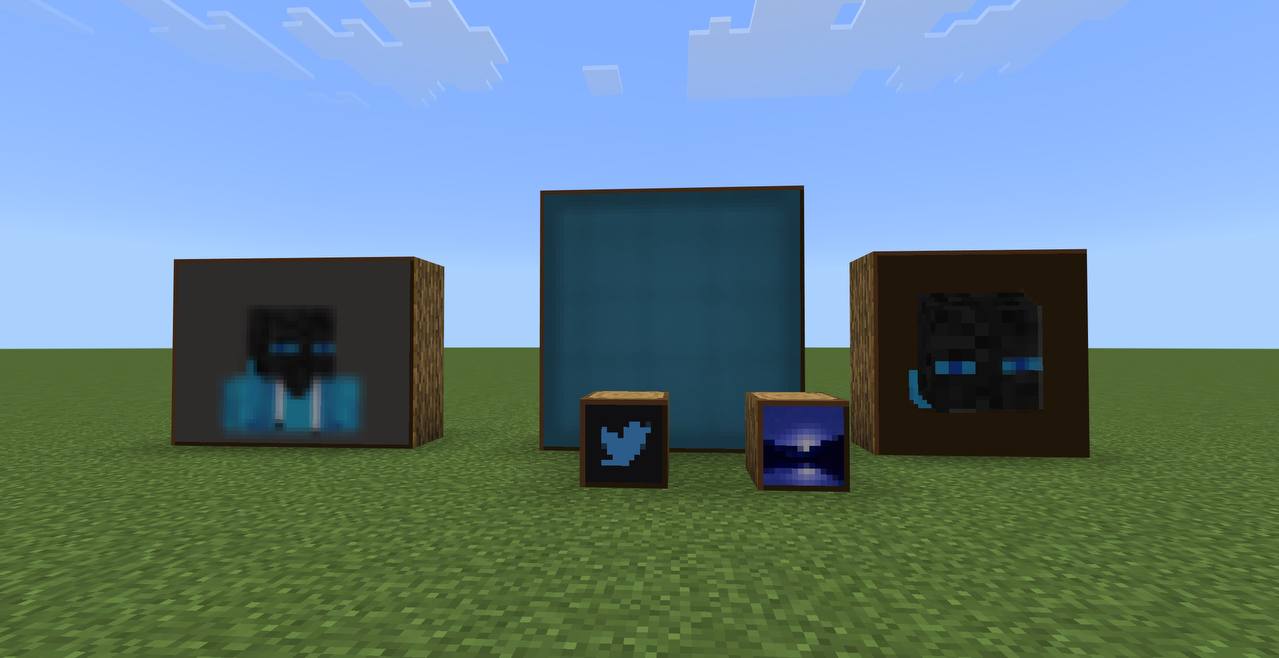
Replace in-game paintings with your own art — sizes 1×1 through 4×4
3D heads, busts, and full-body Minecraft avatars with custom backgrounds
A free in-browser tool that turns any Minecraft skin into a clean avatar image — 3D head, bust, full body, or mini-me style. Works with both Java and Bedrock skins. Output is a transparent PNG you can use as a profile picture, banner, or Discord avatar.
Yes — both. Drop in any skin PNG from either edition, or use the username lookup if you're on Java.
No. Everything runs in your browser. The skin never leaves your device.
Depends on the style — heads are 512×512 px, full body is taller. All exports are pixel-perfect and ready for upload to Discord, Twitter, or anywhere else.
The generator is free for personal and commercial use. The underlying skin design belongs to whoever made it — make sure you have rights to skins you didn't create.
Convert between Overworld and Nether coordinates instantly
Type, click to format, copy. Live preview with all 16 colors and 5 styles.
§&§Drop in PNG icons → Bedrock pack that adds new emojis (no overwriting vanilla). Type them in chat, signs, books.
U+E200Char: ·.mcpack in Minecraft Bedrock and apply it to your world.| Name | Char | Codepoint |
|---|
This generates a Bedrock resource pack that fills the font/glyph_E2.png atlas. The atlas is a 16×16 grid of tiles; each tile is mapped to a Unicode private-use codepoint (U+E200 through U+E2FF). When the pack is active, typing one of those characters in chat, on a sign, or in a book renders your custom icon.
Vanilla Bedrock only uses glyph_E0 and glyph_E1 (button prompts, controller arrows). The E2 atlas is unused by vanilla, so this pack adds emojis without replacing anything.
Per-emoji Hi-res: each tile can be flagged hi-res in its edit panel. If any tile is hi-res, the whole atlas builds at 512×512 (32px tiles) so detail is preserved; lo-res tiles in that same atlas are upscaled with nearest-neighbor. If no tile is hi-res, the atlas is the default 256×256 (16px tiles) and stays small.
Turn any skin into a custom Totem of Undying
Turn any Minecraft skin into a custom Totem of Undying texture. The "Mini Me" style maps your skin onto the 16×16 totem sprite — head, body, arms, and legs all included.
The Totem of Undying normally has a default texture. This tool replaces it with a "Mini Me" version of your skin — so when you hold a totem in-game, it shows you. Download as .mcpack to import directly into Minecraft Bedrock, or as a raw PNG to use in a resource pack.
A free tool that turns any Minecraft skin into a custom Totem of Undying texture. The result is a "Mini Me" version of the skin holding a totem pose — when you hold a totem in-game, it shows you instead of the default golden figure. Works for both Java Edition and Bedrock Edition.
Yes. Switch the edition toggle to Java and you'll get a totem PNG sized for the Java texture path (assets/minecraft/textures/item/totem_of_undying.png). Drop it into a resource pack and enable.
Download the .mcpack file, then open it. Minecraft will import it as a resource pack. Apply it to a world or globally, and any totem you hold will use your custom design.
The full skin — the totem is a chibi-proportioned mini version showing your face, body, and arms in totem pose. Hat layer and outer layers are included.
Yes. The tool renders a live 3D preview on the right as soon as you upload a skin, so you can check it before exporting.
Yes — only one totem texture can be active at a time. If you have another pack that changes the totem, the one higher in your pack list wins.
Draw and edit custom Minecraft capes pixel-by-pixel
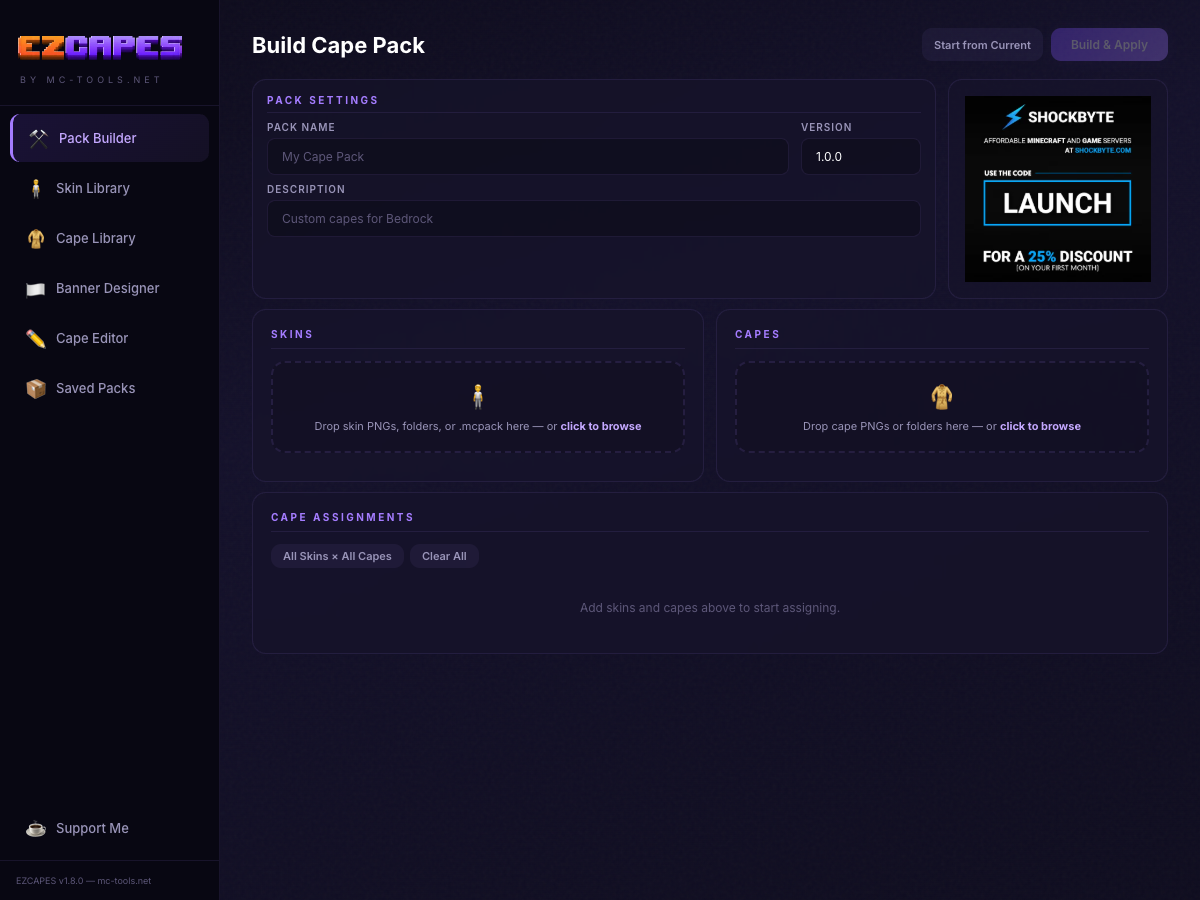
Assign custom capes to skins and build a ready-to-import pack
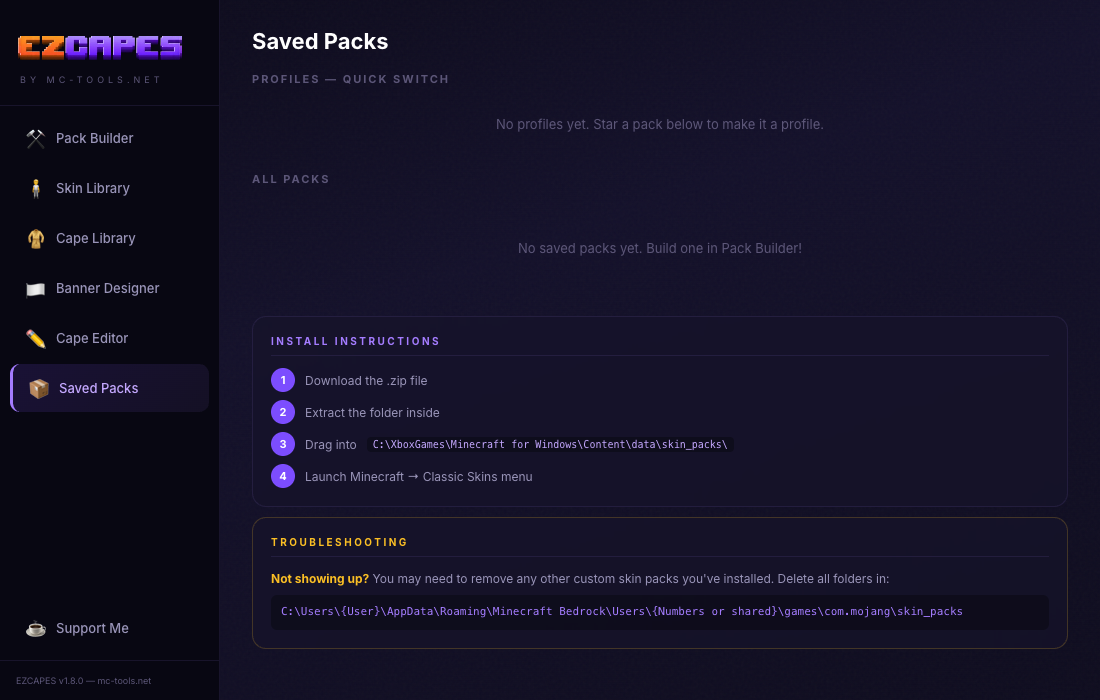
Windows Bedrock only, not compatible with mobile or console
C:\XboxGames\Minecraft for Windows\Content\data\skin_packs\C:\Users\{User}\AppData\Roaming\Minecraft Bedrock\Users\{Numbers}\games\com.mojang\skin_packs
Need more help? Watch this step-by-step guide.
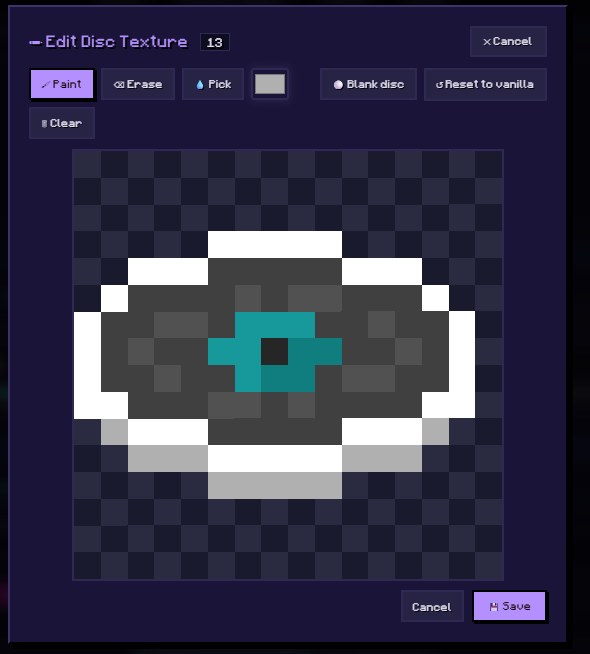
Replace in-game music discs with your own audio tracks
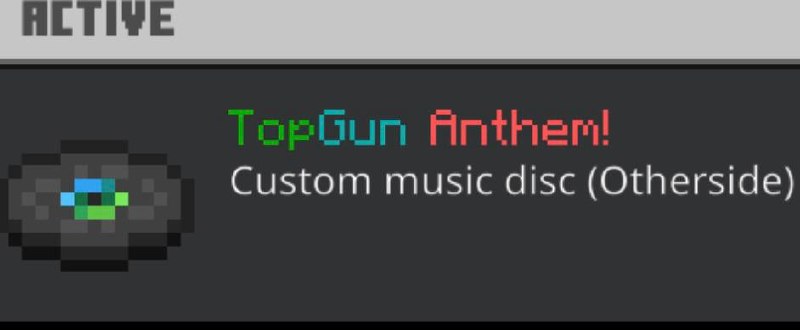
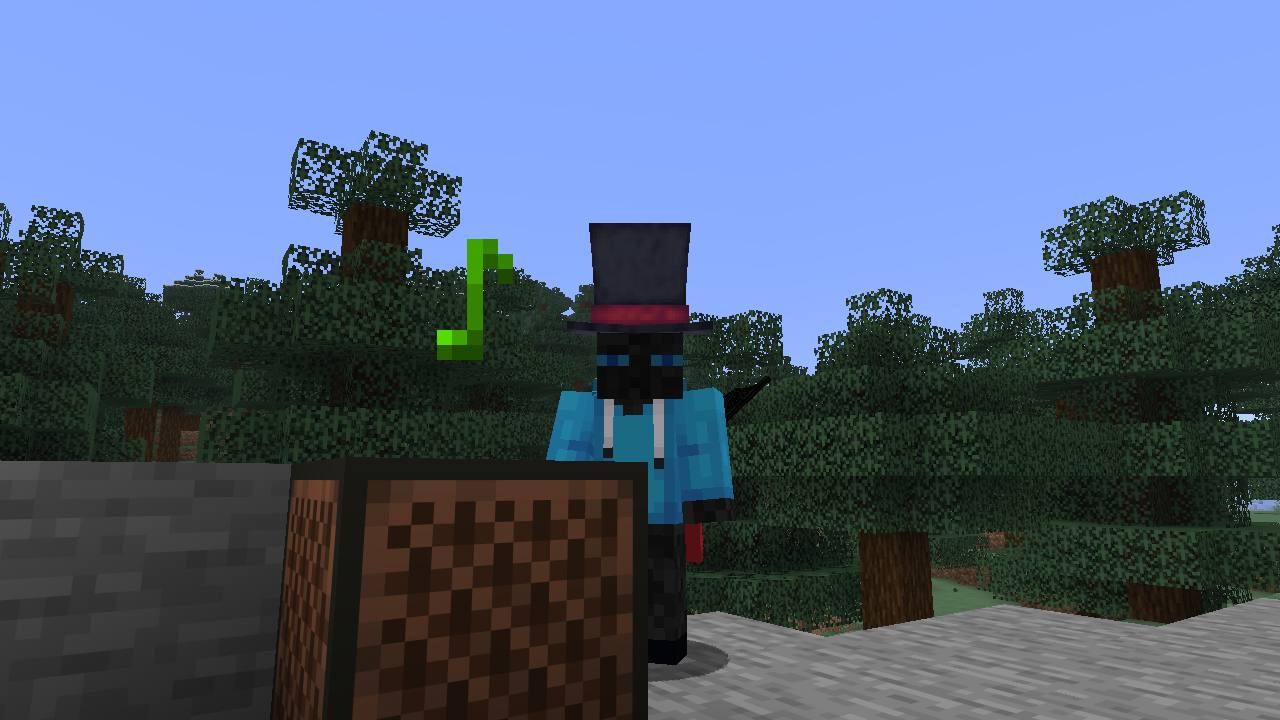
Replace in-game music discs with your own audio. Add multiple songs to create a multi-disc resource pack.
Bedrock: Upload any audio file. It will be included as-is in the pack (Bedrock supports .ogg and .wav natively). For best results, upload .ogg files.
Java: Java Edition requires .ogg (Vorbis) format. If you upload an .ogg file it will be used directly. Other formats will be converted to OGG Vorbis automatically.
Select a disc, upload your audio, and click "Add Song to Pack." Repeat for as many discs as you want, then hit Build!
Paint directly on a rotatable 3D model — fetch, edit, export
A free in-browser editor for designing Minecraft skins on a rotatable 3D model. Paint directly on the body, toggle layers, fetch existing skins by Java username, and download a finished 64×64 PNG ready for either Java or Bedrock.
Both are supported — toggle the arm model in the side panel. Slim is 3-pixel arms (Alex-style), classic is 4-pixel (Steve-style). Pick the one matching the Minecraft account the skin's headed to.
For Java: log in at minecraft.net, go to Profile → Skins → Browse, pick the PNG. For Bedrock: open Minecraft, go to your profile → Edit Character → Owned skins → Import. The downloaded PNG works for both.
You can pull any public Java skin by username for editing locally. Whether you're allowed to publish your edited version depends on whose skin it is — assume you need permission unless you made the original.
Not automatically. Download your PNG before closing the tab — refreshing the page wipes the canvas. (We're working on auto-save in the future.)
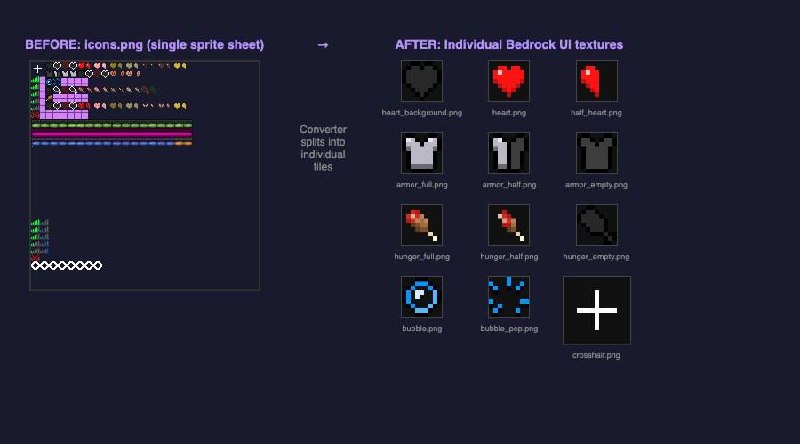
Customize your crosshair, hearts, food, and other HUD elements
Design a custom crosshair for your Minecraft HUD. Paint on a 15×15 grid — your design replaces the default crosshair in-game.
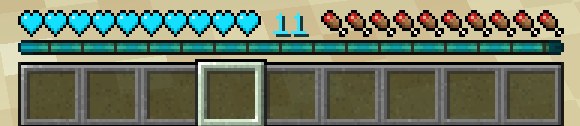
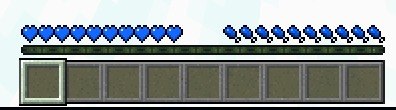
Recolor your health hearts. Pick a preset or choose a custom color — the hearts keep their Minecraft shape but get a new look.
Recolor your hunger drumsticks. Same approach as hearts — pick a color and the drumstick shape keeps its Minecraft shading.
Recolor the experience bar above your hotbar. Pick single color or gradient. The level number gets a slightly brighter shade in the preview, but in-game the number color is rendered by the game engine and stays vanilla green (engine limitation, not a tool bug).
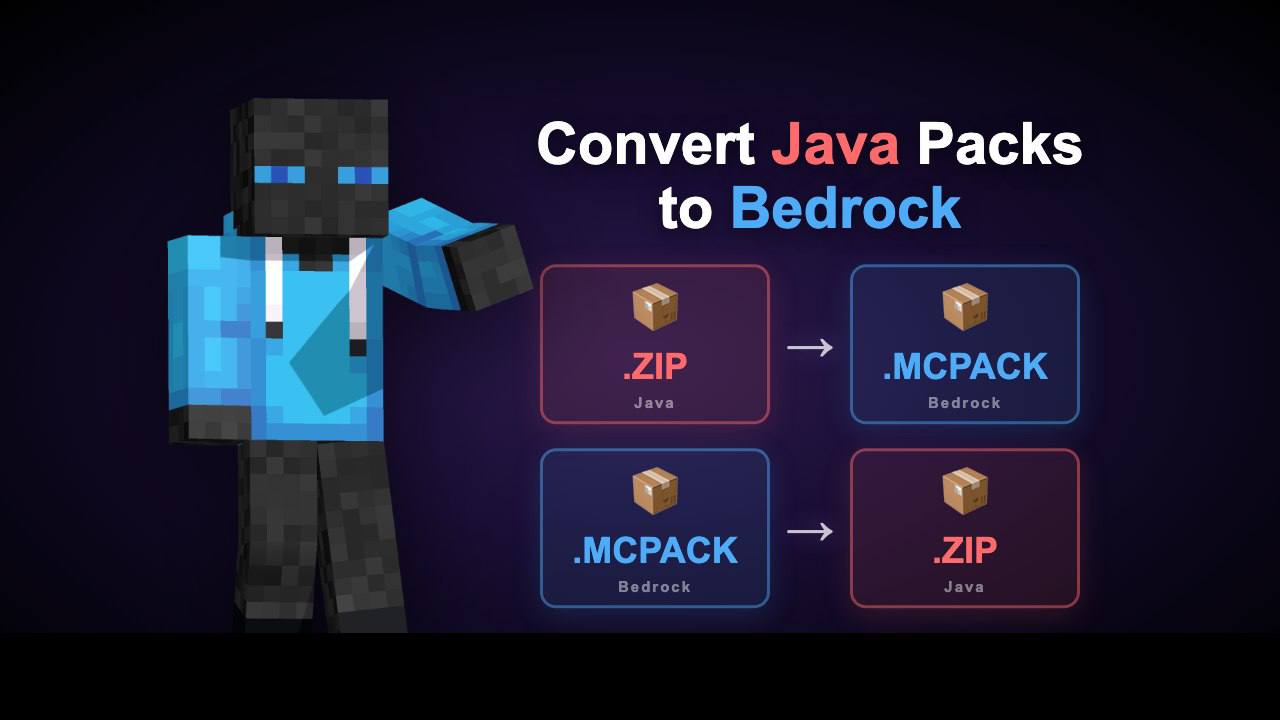
Convert resource packs between Java and Bedrock editions
Name-dependent custom skins for armor stands on Bedrock
Create a Bedrock resource pack that makes armor stands display custom player skins. Name an armor stand in-game and it transforms into that skin — visible to everyone on the server.
The pack overrides the armor stand entity with a custom render controller that uses query.is_name_any() to check the armor stand's name tag. When a name matches, it swaps the default model for a player body and applies your skin texture.
In-game: Place an armor stand → rename it with a Name Tag → the stand transforms into that skin. Names are case-insensitive. The pack description lists all available names.
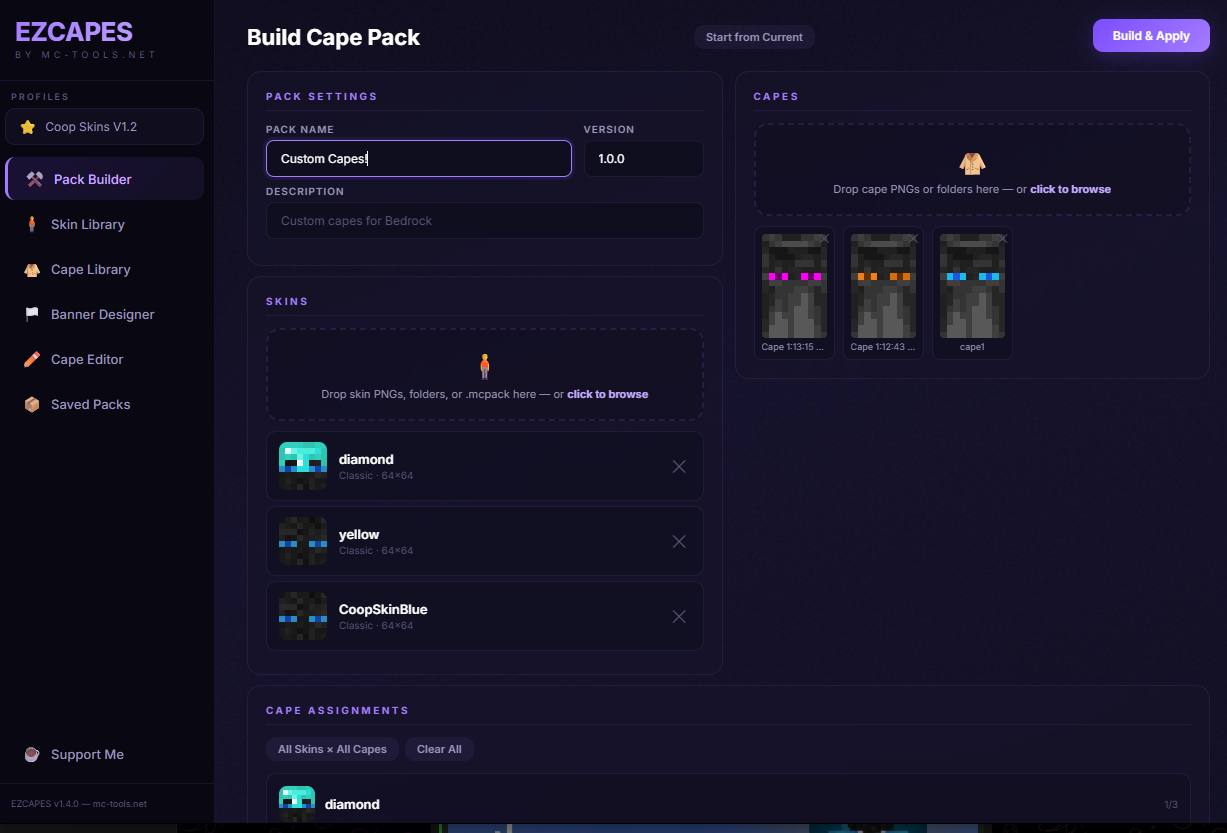
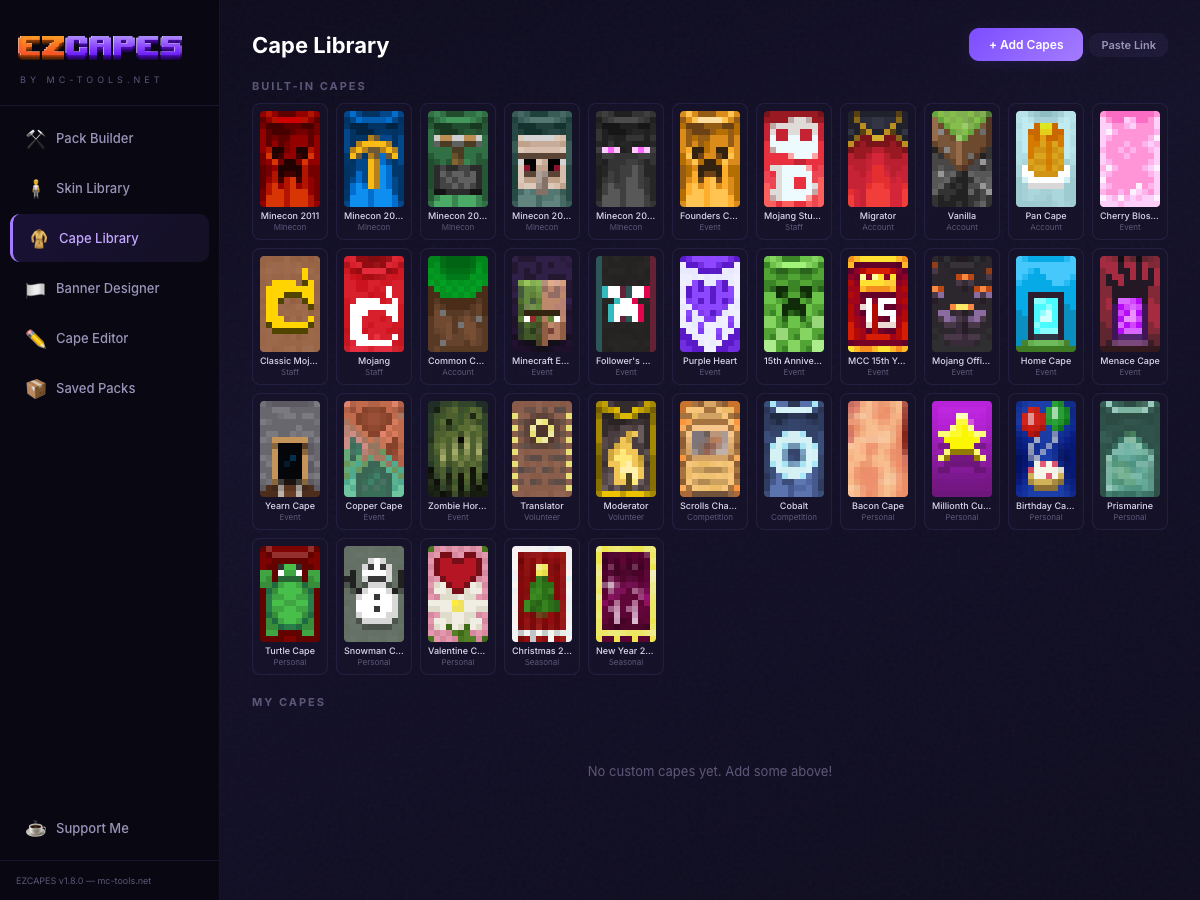
Pick your skins, pick your capes, assign them, and hit Build & Apply. Installs directly to Minecraft with one click.
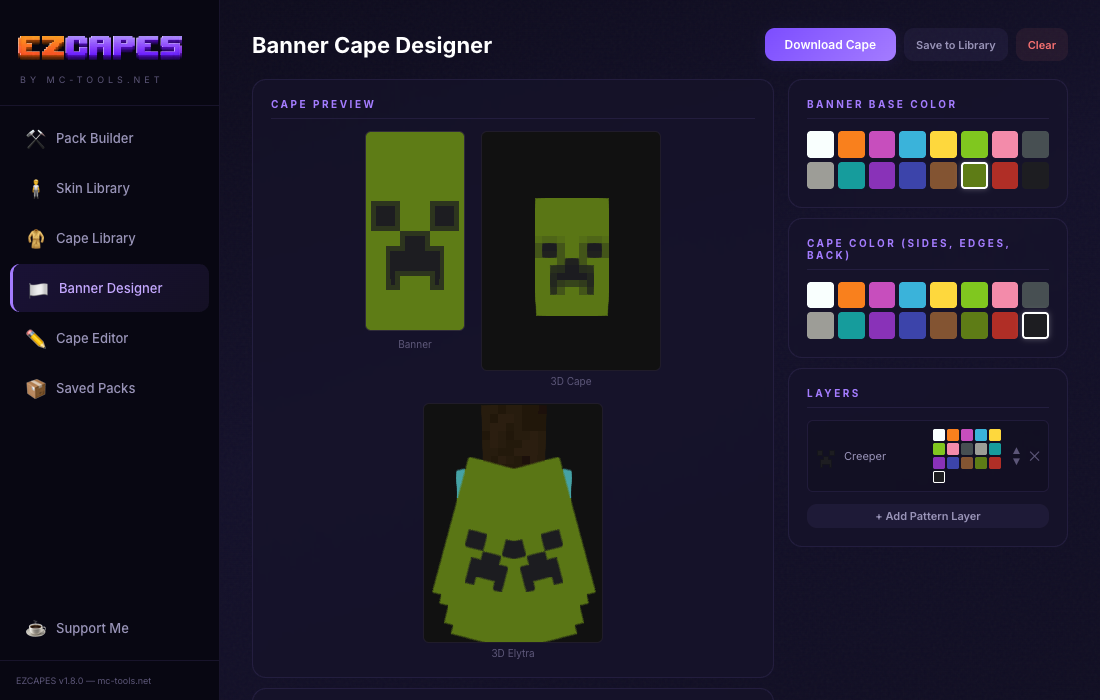
Create capes using real Minecraft banner patterns. All 43 patterns included with live 3D cape and elytra preview.
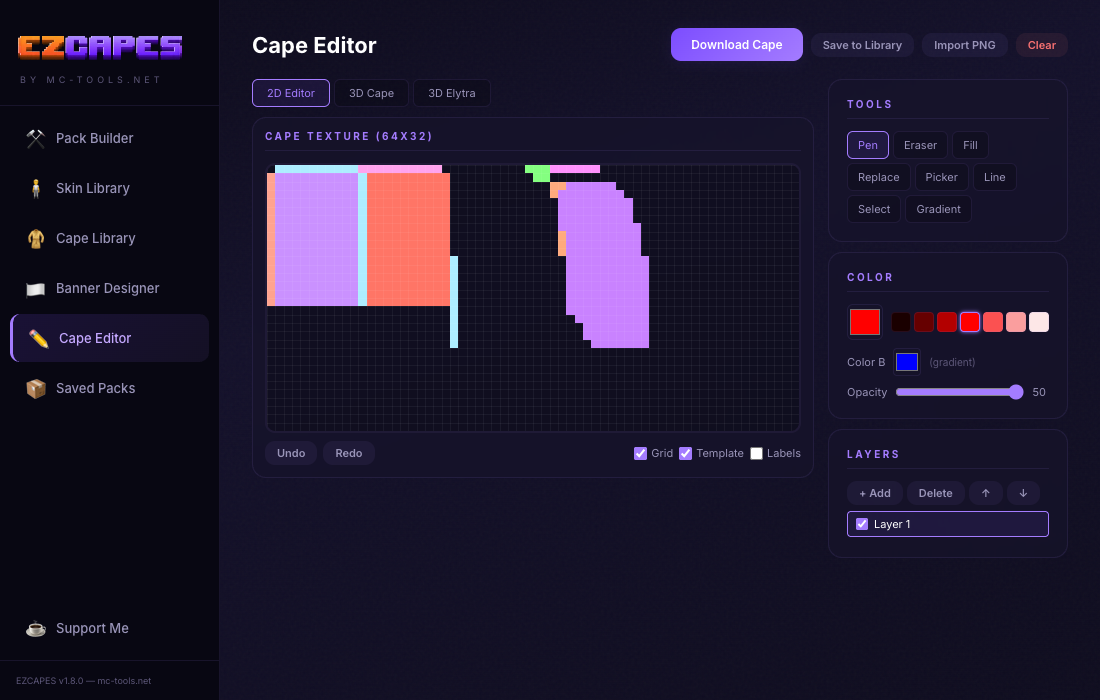
Draw your own cape designs pixel by pixel. Full tool suite with pen, fill, eraser, gradient, layers, and 3D preview.
No more digging through AppData or copying files manually. EZCAPES finds your Minecraft installation and installs the cape pack directly.
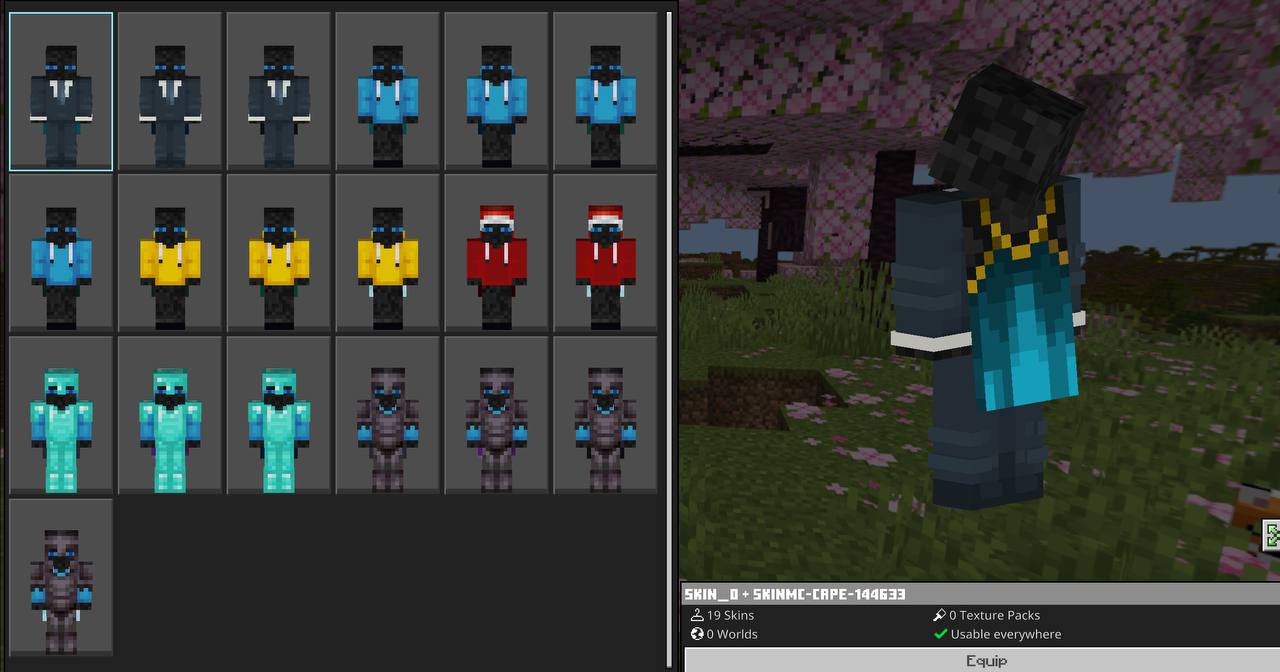
Hit Build & Apply, open Minecraft, go to Classic Skins, and your custom cape is right there.
Save your favorite cape packs as profiles and switch between them instantly. Keep different setups for different servers or moods.
Hey! I'm Coop, and I live and breathe Minecraft. I built MCTools because I wanted to create something cool and helpful for the community.. free, browser-based tools that just work, no sketchy downloads or virus filled installs needed.
Everything runs locally right in your browser. Whether you're editing skins, merging packs, making avatars, or creating custom music discs your files never leave your device.
Thanks for stopping by and using the tools. Keep building cool stuff!
☕ Support me on Ko-fiLast updated: April 28, 2026
In plain English: MCTools has no servers that store your data. No accounts. No databases. No file uploads to us. Every tool runs in your browser, and the files you work with never leave your device. The only data anyone sees about you is the basic anonymous traffic info our analytics provider collects.
MCTools (mc-tools.net) is a free Minecraft tools site operated from the United States. Contact info is at the bottom of this page.
Nothing. MCTools has no user accounts, no logins, and no server-side database. We do not store your files, your IP address, your username, or anything else on our infrastructure. The tools run client-side; what you do in them stays on your device.
We use Google Analytics to understand site traffic (pages visited, approximate location from IP, device type). Analytics data is anonymous and aggregated, and is held by Google, not by us. We do not sell your personal data. Google's processing is governed by Google's Privacy Policy.
We also use Cloudflare for hosting and basic performance metrics. See Cloudflare's Privacy Policy.
MCTools does not currently work with any advertising partners, and no ads are served on the site at this time. If we add an ad network in the future, this policy will be updated to name the partner, link to their privacy policy, and explain what data they collect (typically cookies used for measurement and personalization).
Once any ad partner is enabled, visitors in regions like the EEA and UK will see a consent banner before any personalized advertising occurs, and personalization can also be managed through your browser or operating system settings.
When you use the site, your browser may also contact:
We use your browser's local storage for small preferences like your theme. This data stays on your device and you can clear it any time. Nothing in local storage is sent back to us.
Because we do not store any personal data, there is nothing on our end to retain or delete. Google Analytics holds anonymized data per Google's standard retention period, after which it is automatically deleted.
MCTools is operated from the United States, and our service providers process data there. If you visit from the EEA, the UK, or Switzerland, your information may be transferred to the US under the EU-US Data Privacy Framework and Standard Contractual Clauses.
You have rights under the GDPR (EEA / UK) and CCPA (California) regarding personal data, including the right to access, delete, or object to processing. Because MCTools holds no personal data of its own, any request will generally be directed to our analytics or hosting providers. MCTools does not sell or share personal data. To make a request, use the contact info below.
MCTools is a general-audience site. We do not knowingly collect personal information from children under 13 (or under 16 in the EEA / UK). Since we have no servers that store user data, none is collected from children either. If you are a parent and want to talk through anything, contact us.
We may update this policy from time to time. Material changes will be flagged by a new "Last updated" date at the top.
For privacy questions or to exercise any of the rights above: contact@mc-tools.net